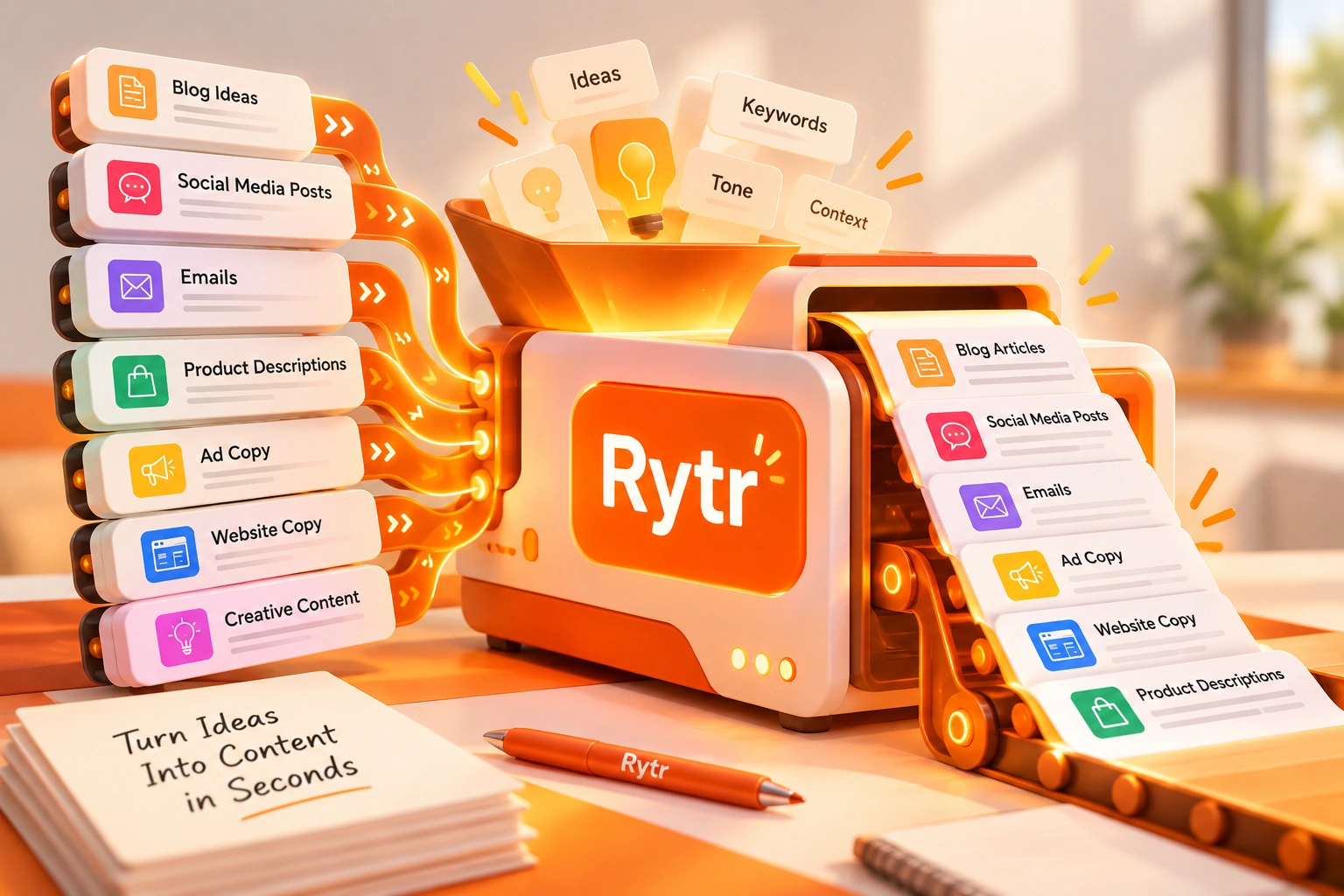
Rytr is a lightweight AI writing tool built mainly for short-form content. Pick a use case, give it a brief, and you have a draft in seconds. It also has a free plan, Copyscape-powered plagiarism checks on paid plans, and My Voice for matching a writing style. This review covers what it actually does, real pricing, the lifetime-deal and coupon questions people keep searching for, G2 reviews, and who gets genuine value from it.
Pricing and features can change. Check Rytr's current pricing page before you subscribe.
Most tools in this category try to be several things at once. Rytr's identity is narrower and clearer: it's an entry-level execution tool built for speed, not a blank-page research-and-writing platform. Fast, frictionless, and genuinely useful for short-form content, social posts, email drafts, ad copy, product descriptions.
The honest framing: Rytr gives you a strong starting draft in seconds. It's designed to get you started fast and cheap, without friction, and that's the whole pitch. That's really what it's good at: getting a small piece of content started quickly. It's not trying to out-write Jasper or out-research Writesonic, and it doesn't pretend to.
When you open Rytr for the first time, the experience is simpler than many other tools in this category. No brand setup. No workflow configuration. No keyword input. You select a use case from a template library, enter a brief, and the output appears in seconds.
What you encounter in session one: 40+ use case templates covering the most common short-form content types, a tone selector (casual, formal, persuasive, humorous, and more) applied consistently, instant output with zero configuration overhead, and character limit controls for platform-specific formatting. Language support in session one is limited to 1 language on the Free and Unlimited plans; the 35+ language set is a Premium-only feature, covered in more detail further down.
It's especially valuable when you need something quickly. The first session produces something usable faster than many other tools in this category, and the experience is straightforward from the first click.
Two official videos from Rytr's own YouTube channel, covering a one-minute orientation and the My Voice tone-matching feature.
A short orientation video walking through the core workflow: selecting a use case, entering a brief, and generating a first draft.
A look at Rytr's custom tone-matching tool, which analyzes a writing sample and builds a reusable tone profile for future generations.
Rytr runs three tiers, per Rytr's official pricing page, checked October 2026. Prices below are the annual-billed rate (Rytr's pricing page defaults to "Yearly, get 2 months free").
No credit card required.
$90.00/yr billed annually.
$289.92/yr billed annually.
A few things worth knowing before picking a tier. The Chrome browser extension and the 20+ pre-programmed tones are available on all three tiers, including Free. So is community access. Only two things are genuinely Premium-exclusive: the 35+ language set (Free and Unlimited are limited to 1 language) and Custom Use Cases. Priority support comes with Unlimited and Premium, not Free. Worth flagging since some older write-ups, including this page's own prior version, described the language set and the extension as gated the same way. Only the language set actually is. The character input limit is doubled on Unlimited and tripled on Premium relative to Free. Rytr's own pricing page states it's "Trusted by 8,000,000+ content writers," a figure that's Rytr's own claim, not independently verified here.
This is worth addressing directly since it's one of the more-searched topics around Rytr. Rytr did run a genuine official lifetime deal on AppSumo, confirmed directly on AppSumo's own listing page, with updates posted by Rytr's own founder. That deal is sold out and no longer purchasable; AppSumo's listing itself says so. If you're seeing a "Rytr lifetime deal" result today, it's most likely an old listing, a review of the now-expired deal, or a third-party site discussing it after the fact, not a live offer.
We found no evidence of an official Rytr coupon code program beyond the standard annual-billing discount on the pricing page itself. "Group buy" listings, shared or resold access to a single paid account split across multiple unrelated users, aren't something Rytr offers or endorses as far as we could find, and sharing a single login across many people typically violates a SaaS provider's own terms of service and carries real account-security risk for everyone using it. If budget is the constraint, the genuine free plan or the $7.50/month Unlimited tier are the actual lower-cost paths into the product.
Rytr excels at concise writing. Rytr tends to work better when the task is short and focused. Its real strength is the fast response that gets a small task off your plate: a social caption, an email opener, a product description variant.
In our review, shorter generations needed the least cleanup: a caption or product blurb under 150 words was usually close to usable with a light edit. Output in the 150-to-300-word range held up well but still benefited from an editing pass. Past 300 words, output read more like a structural starting point than a finished piece, something to build from rather than publish directly. This is an editorial observation from using the product, not a measured benchmark. Fast generation combined with an accessible price point makes Rytr a practical option for short, high-volume content work.
My Voice analyzes a writing sample and builds a custom tone profile applied to future generations, so output sounds like you, your team, or a specific client instead of a generic AI voice. Multiple profiles are supported for different projects, on the Unlimited and Premium plans.
Plagiarism Checker, built in and powered by Copyscape, one of the more established plagiarism-detection services. A feature that isn't included in many lower-cost AI writing tools. Check allowances scale by plan: 50/month on Unlimited, 100/month on Premium.
Browser Extension brings the same writing tools into Gmail, Facebook, WordPress, and other web apps without tab switching. It's available on all three plans, including Free, currently in Beta per its own Chrome Web Store listing, which notes it expects some compatibility issues on certain sites while it continues to develop.
API Access is available for developers and businesses embedding AI writing into their own products, supporting the full template library and language set, with documentation and code snippets provided.
Tone Control offers 20+ preset tones applied consistently across output types, available on all three plans, on top of the custom My Voice profiles. We have not independently benchmarked tone-matching accuracy across all 20+ presets, so treat consistency claims here as directional rather than independently tested.
A few things Rytr does particularly well, worth calling out specifically.
Entry speed. Idea to usable draft in seconds, with very little setup, a low-friction entry point for short-form content.
Short-form performance. Social captions, email subject lines, ad copy, and product descriptions are where Rytr feels most useful.
Price accessibility. The paid plans are inexpensive compared with many premium AI writing tools, and there's a usable free tier alongside them. For beginners or occasional users, the financial commitment is minimal.
Language coverage on Premium. 35+ language support makes Rytr genuinely useful for non-English content operations where specialist tools aren't localized, a real differentiator at this price point, though it's worth repeating that this sits on the Premium tier specifically, not Free or Unlimited.
Template library breadth. 40+ use case templates covering the most common short-form content needs, a useful starting point across multiple content types.
Built-in plagiarism checking. Copyscape integration helps identify potential duplicate or matching content before publishing, available on paid plans, a feature that isn't included in many lower-cost AI writing tools.
Continue Ryting. Automatically extends a draft for longer content, reducing writer's block on pieces that outgrow a single generation.
Rytr's plagiarism checker is powered by Copyscape rather than an in-house system, and it's available on paid plans: Unlimited includes 50 checks per month, Premium includes 100. For high-volume teams that allowance goes faster than it would for an individual creator, though it's generally enough to spot-check the pieces that matter most. We haven't independently compared its accuracy against standalone Copyscape Premium, so we aren't making detection-rate or false-positive claims here.
Rytr isn't trying to win a head-to-head against any of these on raw capability; its case is speed and price at the short-form end of the category.
| Tool | Primary Focus | Best For |
|---|---|---|
| Rytr | The Quick-Draft Engine, fast, low-cost short-form generation with a genuine free tier. | Beginners and high-volume short-form creators on a tight budget. |
| Jasper | Brand-consistent content creation, and as of 2026, AI search visibility tracking. | Teams prioritizing brand voice consistency at a premium price point. |
| Copy.ai | GTM workflow automation for high-volume marketing copy. | Revenue teams automating repetitive outreach at volume. |
| Writesonic | SERP-aware long-form content, plus a 2026 pivot toward AI search visibility. | SEO-focused creators who want research and drafting in one workflow. |
| QuillBot | The refinement layer: paraphrasing, grammar, and tone polish on an existing draft. | Anyone with a finished draft who needs a fast final editing pass. |
The Chrome extension (available on all three plans, including Free, currently in Beta) brings Rytr's writing tools into Gmail, Facebook, WordPress, and other web apps, the same 40+ use cases, tone selection, and content generation available directly in whatever text field you're already typing in, without copying content between tabs. Its own Chrome Web Store listing notes it expects some compatibility issues on certain sites while it continues to develop.
On mobile: Rytr does not publish an official iOS or Android app. Its own site links only to the web app and the Chrome extension, with no App Store or Play Store badge anywhere on rytr.me as of this check. A few apps using "Rytr" in their name do appear in app store search results, under developer names unrelated to Rytr.me; we found no confirmation these are affiliated with Rytr, so treat them with the same caution you'd apply to any app whose publisher you can't verify, rather than assuming they're official.
The honest limitation first: this is a short-form tool, and unedited output quality degrades past a few paragraphs. Full blog posts and articles need a materially different workflow than a single generation.
The practical approach uses the "Blog Section" template to generate an outline, then produces each section separately rather than asking for a complete draft in one pass. The Continue Ryting feature extends a draft automatically to help with coherence between sections, but the sections still need to be combined manually, with transitions and tone consistency checked by a human editor before publishing. It reduces the blank-page problem for each section, not the editing workload of assembling the whole piece.
For a complete 1,000+ word piece, expect to spend real editing time stitching sections together. If you want long-form output with less manual assembly, a purpose-built tool like Jasper or Writesonic will get there faster.
35+ language support is confirmed on the Premium plan specifically (Free and Unlimited are limited to 1 language), and it's genuinely useful for teams that need non-English short-form content without paying for a specialist localization tool. What we can't responsibly claim is a quality ranking across those languages; grammar, fluency, and cultural appropriateness in output vary by language for any general-purpose AI writing tool, and we have not run our own native-speaker evaluation across Rytr's language set.
Practical guidance until independent testing exists: treat non-English output the way you'd treat a first draft in a language you don't have full editorial confidence in. Have a native or fluent speaker review it before publishing, particularly for anything customer-facing.
| Platform | Browser-based, lightweight. No installation. Fast load, instant output. Browser extension available for in-context writing on all plans, including Free (currently in Beta). |
| Core Engine | Template-based LLM generation, optimized for fast, structured short-form output within defined use-case templates. |
| Use Case Templates | 40+ templates, short-form focus, covering the most common marketing and communication content types. |
| My Voice | Custom tone-matching. Analyzes a writing sample and builds a reusable tone profile; multiple profiles on Unlimited and Premium. |
| Plagiarism Check | Built in, Copyscape-powered. Available on paid plans; 50/month on Unlimited, 100/month on Premium. |
| Tone Control | 20+ preset tones, available on all three plans, applied consistently, on top of My Voice custom profiles. |
| Long-Form Support | Capable for extended content with appropriate editing expectations. Includes Continue Ryting to extend a draft automatically, best paired with manual section assembly for full articles. |
| Language Support | 35+ languages on Premium; 1 language on Free and Unlimited. Output quality across languages has not been independently tested by us. |
| Output Quality | Draft-level starting point. An editorial pass enhances output for final publication. |
| API Access | Available, supporting the full template library and language set, with documentation and code snippets for developers. |
| Pricing | Free plan available, no credit card required. Unlimited at $7.50/mo ($90/yr), Premium at $24.16/mo ($289.92/yr), billed annually, per Rytr's own pricing page, checked October 2026. |
If you've never used an AI writing tool and want a simple place to start, the price, straightforward interface, and free plan make Rytr an easy entry point, and starting costs nothing.
Social media managers, email marketers, and ad copywriters who need a constant supply of first drafts for short-form content are well served by Rytr's speed and template coverage.
If you need AI writing assistance and premium tool pricing isn't justified at your current scale, Rytr delivers real value at the lower end of the category.
Rytr holds a 4.7/5 rating on G2 based on 820 verified user reviews, per G2's product page, checked October 2026. The theme breakdown and mention counts below are from the review analysis used on the previous version of this page, not independently re-mined from G2 this round; the overall rating and review count are freshly checked.
What Users Love
Top Concerns
G2 ratings and review counts change over time. Check G2's current Rytr page for the latest figures before relying on this summary.
If brand consistency and long-form content matter more than speed and price, Jasper is the closer fit. Choose Writesonic for SEO-focused long-form content, Copy.ai for automated GTM workflows, or QuillBot when you already have a draft that needs refinement.
This review is published by TechScribe.in, an independent publisher covering copywriting and marketing AI tools including Jasper, Writesonic, Copy.ai, and QuillBot. It's based on hands-on evaluation of Rytr's interface and documented feature set, cross-checked against Rytr's own current pricing page and publicly available information. Where a claim, accuracy benchmark, language-quality comparison, or pricing detail couldn't be independently confirmed, we say so rather than present it as fact.
Yes, for what it's built for. It's designed for short-form content at speed. For social captions, email subject lines, ad copy, and product descriptions, it delivers reliable drafts in seconds, with a built-in Copyscape plagiarism checker that many lower-cost tools don't include.
They serve different use cases. Jasper offers premium brand-consistency features for marketing teams at a significantly higher price. Rytr provides an accessible entry point for short-form drafting, with a genuinely usable free tier. Choose based on whether you need brand governance at scale or fast, cheap short-form output.
Yes, a permanent free plan with a 10,000-character monthly allowance, no credit card required. It includes access to the full template library and tone options, though the plagiarism checker, custom tone matching, and multi-language support are reserved for paid plans.
Rytr ran a genuine official lifetime deal on AppSumo in the past, confirmed on AppSumo's own listing, but it's sold out and no longer purchasable. If you see "lifetime deal" results for Rytr today, they're most likely discussing that now-expired offer. The current paths in are the free plan or the $7.50/month Unlimited tier.
We found no evidence of an official ongoing coupon program beyond the annual-billing discount shown directly on Rytr's own pricing page ("2 months free"). Be cautious of third-party "coupon" or "group buy" sites offering shared account access; that typically violates the provider's terms of service and carries real account-security risk.
No official iOS or Android app is listed on rytr.me; it's a web app plus a Chrome browser extension (available on all plans, including Free). Apps using "Rytr" in their name that appear in app store searches are under unrelated developer names, and we found no confirmation they're affiliated with Rytr.
My Voice is the custom tone-matching feature. It analyzes a writing sample you provide and builds a tone profile applied to future generations, so output sounds like you, your team, or a specific client rather than a generic AI voice. Available on Unlimited and Premium.
Yes. There's a built-in plagiarism checker powered by Copyscape, available on paid plans (50 checks/month on Unlimited, 100/month on Premium). Many lower-cost AI writing tools skip plagiarism checking entirely or rely on weaker in-house detection, so this stands out at this price point.
It excels at short-form drafting. It can support longer pieces using the Continue Ryting feature to extend a draft section by section, but coherence across a full article requires more manual assembly and editing than a purpose-built long-form tool like Jasper or Writesonic.
Different categories. Rytr is a fast, low-cost short-form drafting tool. Outranking, per third-party reviews, is a SERP-first SEO content strategy and optimization platform aimed at experienced SEO professionals and content teams producing long-form, competitive articles, starting around $29/month. If your priority is quick short-form drafts on a budget, Rytr fits; if it's SEO content strategy and on-page optimization for ranking, Outranking is the closer match. We have not independently reviewed Outranking ourselves.
Rytr's main strengths are accessibility and speed, not raw capability. The template-first interface needs no configuration, the output is instant, and the free plan removes the financial barrier entirely, backed by a paid tier that stays cheap relative to the rest of the category. The short-form focus plays to genuine strengths, backed by real differentiators many lower-cost tools don't include: a Copyscape-powered plagiarism checker, My Voice custom tone matching, and a browser extension that meets you where you already write.
For the right user, that adds up to real value. This is the entry point. Use it to start, pair it with QuillBot to polish, and upgrade when your needs evolve past short-form.
The free plan gives you immediate access to the full template library and tone controls, no credit card required to generate your first draft.
Independent review. Prices and features may change; always check the official Rytr site for the latest information.
 QuillBot
 Copy.ai
 Rytr
Rytr Hemingway Editor