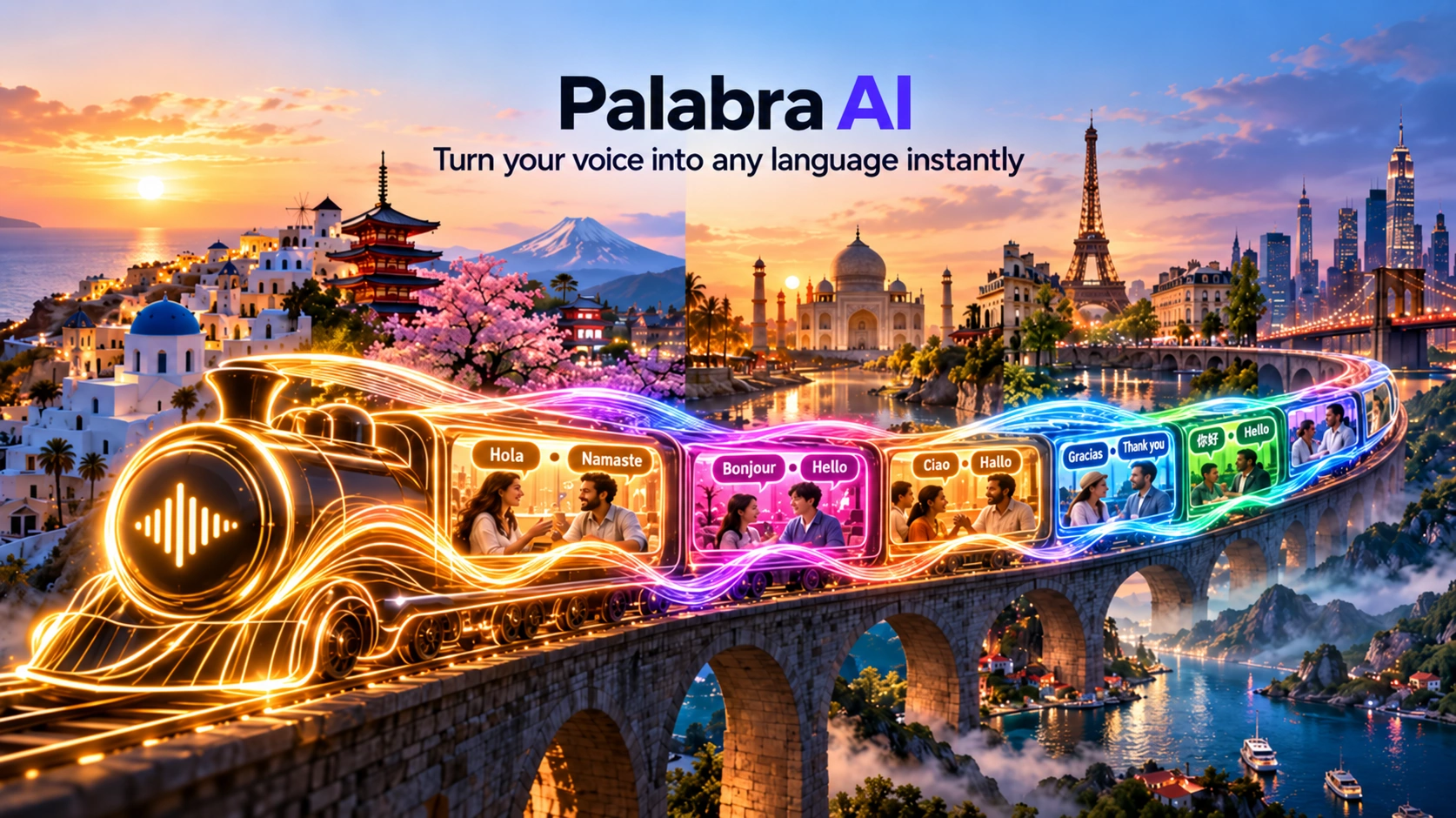
Palabra AI
Palabra AI translates a live conversation in real time, in the other person's language, within moments, not a script you hand it afterward.
Palabra AI chains automatic speech recognition, a proprietary translation model, and text-to-speech together to translate live, in-progress conversation, speaking it back in the other person's language within moments, with voice cloning that keeps something of the original speaker's voice. Founded in 2023, the company ships a desktop app for meetings, dedicated flows for in-person events and live streams, and a pay-as-you-go developer API.
Built for the Conversation,
Not a File You Render Afterward.
Palabra AI is a real-time speech translation platform built for conversations, not voiceovers. You speak in one language, the person on the other end hears you in theirs moments later, with the translated audio built to sound close to your own voice rather than a flat robotic narrator.
Under the hood it's three systems chained together: automatic speech recognition converts what you're saying into text, a proprietary translation model turns that into the target language, and a text-to-speech layer turns the translation back into spoken audio, cloned to carry something of the original speaker's voice. Founded in 2023 by Artem Kukharenko and Alexander Kabakov, the company raised $8.4M in pre-seed funding in August 2025, led by Seven Seven Six (Alexis Ohanian's venture firm), with Creator Ventures and a handful of individual backers from Instacart and DeepMind's product side also in the round.
It ships as a desktop app that joins your existing video calls, a dedicated flow for in-person events and live streams, and a developer API for teams who want to build translation into their own product.
What Makes It Different
From TTS and Voice-Cloning Tools?
Most of the Voice AI tools on this site, ElevenLabs, Murf, Resemble, Speechify, start from text or a recorded voice and produce new audio: a voiceover, an audiobook, a cloned voice reading a script. Palabra works on live, in-progress speech. There's no script, no text input, no file to render. You talk, it translates, the other person hears it almost immediately, and then the moment is over.
That makes it a different category of tool even though the underlying building blocks (ASR, TTS, voice cloning) overlap. If you want to generate a voiceover or clone a voice for content you're creating, the other tools in this category are built for that. If you need two people speaking different languages to understand each other in the same conversation, right now, that's what Palabra is for.
You talk, it translates, the other person hears it almost immediately, and then the moment is over.
Paste a Link,
Pick a Language, Join.
The meeting flow, the one most people will actually touch first, is three steps.
- 1Paste your Zoom, Google Meet, or Teams link into Palabra. No plugin to install inside the call platform itself.
- 2Choose the source and target languages, and a voice if you want a cloned one instead of a default.
- 3Click "Join call." Palabra joins as a participant and starts translating both directions as soon as people start talking.
There's no plugin to install inside Zoom or Teams itself, no account the other participants need to create, and no visible setup beyond those three steps. Events, live streams, and the API each have their own setup flow, covered in their own sections below, since the use case, and the pricing, is different enough that lumping them into "how it works" would blur three fairly different products.
Where You'd Actually
Use Palabra AI.
A sales or customer support team taking calls with prospects or customers who don't share a language.
Companies with offices or hires in multiple countries, where internal meetings cross language lines by default.
In-person events where you'd otherwise book human interpreters for every session.
Broadcasts going out to an audience that spans languages, translated as the stream happens.
A product team that wants translated voice built into their own app, through the API, rather than running Palabra's own interface.
What Palabra
Isn't.
Palabra's job is the conversation itself, not what happens to it afterward. It doesn't produce a finished voiceover file, an audiobook, or an edited podcast episode, that's what ElevenLabs, Murf, Resemble, and Speechify are for, and worth checking out if that's actually what you need. It's also not a transcription or subtitling tool first, even though live captions come along for the ride.
Features That
Actually Matter.
Automatic language detection, so you don't always have to tell it what's being spoken. That number doesn't mean every language has identical support across the board, Palabra's own documentation breaks language coverage into three separate capabilities (recognition, translation, and voice creation/cloning), and a handful of languages only support some of the three, not all of them.
Useful for company or industry jargon that a general translation model would otherwise mangle.
The translated audio tracks who's talking when multiple people are on the call.
Built for calls that aren't recorded in a studio.
Tuned differently depending on whether people are talking back and forth or one person is presenting to a room.
Per Palabra's own privacy claims, covered in more detail further down this page.
How Good Is
the Translation?
This is the section where there isn't much to independently lean on yet. Palabra says its quality control pipeline includes human interpreters checking the system's work, according to reporting from TechCrunch, which is a reasonable approach for catching systematic errors, but there's no independently published accuracy benchmark (word error rate, BLEU score, or similar) available from a third party at the time of writing. What's out there is Palabra's own claim of "human-sounding" output and testimony from the handful of early reviews, not enough yet to generalize from.
In practice, heavy accents, overlapping speakers, and highly idiomatic language are common challenges for real-time AI translation in general, but I couldn't find independent testing showing how Palabra specifically handles them.
How Fast
Is It?
Palabra's current homepage cites "35ms to first audio," attributed to a July 2026 COVAL TTS benchmark the company ran itself. Reporting from last year (TechCrunch, August 2025) cited an 800ms end-to-end latency figure instead. Those two numbers likely aren't measuring the exact same thing, one reads like a component-level benchmark, the other like a round-trip figure, so treat them as two separate, self-reported data points.
What matters practically: Palabra markets itself as sub-second. For a live conversation, lower latency generally makes the exchange feel more natural, closer to a real back-and-forth than a walkie-talkie exchange with a visible delay.
Two separate, self-reported data points, not one speed claim that got 20x faster.
Integrations
and Platforms.
Joined via a pasted meeting link, no plugin install required.
Plus direct RTMP/SRT protocol support for broadcast setups.
The main way most people will first touch the product.
WebRTC for browser clients, WebSockets for server-side integration.
What Palabra AI
Actually Costs.
Palabra prices by use case rather than one flat plan, which makes sense given how different a sales call, a five-day conference, and a weekly livestream are from each other in terms of actual hours of translation needed. The three ready-to-use products below (Meetings, Events, Live Streams) all offer free trials. The developer API is a separate, pay-as-you-go product that starts with $50 in free credits instead, covered in its own section further down.
| Meetings & Presentations | Monthly | Annual (per mo) | Hours included |
|---|---|---|---|
| Starter | $60 | $45 | 3 hrs |
| Pro | $150 | $112.50 | 10 hrs |
| Team | $500 | $375 | 50 hrs |
| Business | Custom | Custom | Custom |
| In-Person Events | Monthly | Annual (per mo) | Hours included |
|---|---|---|---|
| Starter | $500 | $375 | 5 hrs |
| Pro | $1,600 | $1,200 | 20 hrs |
| Team | $3,000 | $2,250 | 50 hrs |
| Business | Custom | Custom | Custom |
| Live Streams & Broadcasting | Monthly | Annual (per mo) | Hours included |
|---|---|---|---|
| Starter | $300 | $225 | 5 hrs |
| Pro | $800 | $600 | 20 hrs |
| Team | $1,500 | $1,125 | 50 hrs |
| Business | Custom | Custom | Custom |
Palabra gives you one shared pool of hours each month, and that pool can be spent on any product, meetings, events, or streams, regardless of which one you actually subscribed to. The product line you subscribed to gets a discounted hourly rate; spending those same hours on a different product line charges that line's standard rate instead. A Meetings Pro subscription, for example, burns hours on meetings at $15/hr, but spending some of that same pool on a live stream burns at the Streams baseline rate, not the discounted Meetings Pro rate. The baseline rates are $20/hr for Meetings, $100/hr for Events, and $60/hr for Streams. Pro and Team subscribers get lower rates for the product line included in their plan.
The lower tiers mainly change the amount of included usage and the effective hourly rate, but higher tiers also add team and enterprise features. Team plans add a multi-seat workspace with roles and permissions, SSO, audit logs, and a dedicated account manager, while higher Events and Streams tiers add more stages per event and more simultaneous output languages.
Palabra positions its pricing as substantially cheaper than hiring human interpreters, a comparison worth treating as the company's own marketing framing rather than an independently verified cost study.
The
Developer API.
Separate from the consumer plans above, Palabra also sells translation as a pay-as-you-go API for teams building their own product on top of it:
$0.012 per 1,000 characters.
$0.002 per minute of audio.
$0.04 per minute.
$50 in free credits on signup, for testing.
The API supports WebRTC for browser-based clients and WebSockets for server-side connections, with JavaScript and Python SDKs as the primary integration path. A basic implementation looks like this:
import { PalabraClient, getMicAudioTrack } from "palabra";

const client = new PalabraClient({
  auth: { userToken: '<API_KEY>' },
  originalTrack: getMicAudioTrack(),
  translateFrom: "en",
  translateTo: "fr"
});

document.getElementById('start').addEventListener('click', () => {
  client.startTranslation();
  client.playTranslationTrack();
});
The API explicitly lists 28 supported languages (the broader "60+" figure applies to the consumer product), accepts Opus, PCM_S16LE, and WAV as input formats, and supports automatic language detection plus mid-conversation code-switching, so a speaker mixing two languages in the same sentence doesn't break the pipeline.
Privacy
and Security.
Palabra says it encrypts every conversation it processes and doesn't store conversation data, a zero-data-retention policy it states across its marketing pages. Custom glossaries you set up are yours and not shared across accounts.
Company Credibility:
How New It Is.
Palabra AI is a young company. Founded in 2023 by Artem Kukharenko, a former machine learning engineer at Samsung, and Alexander Kabakov, it raised $8.4M in pre-seed funding in August 2025. The round was led by Seven Seven Six, Alexis Ohanian's venture firm, with Creator Ventures and individual investors including Instacart co-founder Max Mullen and former DeepMind head of product Mehdi Ghissassi also participating.
The investor list gives the company meaningful early-stage backing, but funding isn't evidence that the translation itself is reliable. Pre-seed is the operative word here.
This is a roughly two to three-year-old company building a genuinely hard real-time AI problem, not an established enterprise vendor with years of production hardening behind it. Worth factoring into how much you lean on it for anything mission-critical versus a sales call or a webinar where an occasional rough patch isn't a big deal.
Palabra vs Wordly, KUDO,
Interprefy, and Human Interpreters.
Wordly, KUDO, and Interprefy are established names in the live-interpretation category. Palabra approaches the same problem with a more self-serve product and publicly listed pricing, rather than the enterprise sales process and per-event quotes more common in that category.
Palabra's pitch, against that set and against hiring human interpreters outright, is pricing you can see on a website and a desktop app you can be using within minutes rather than booking in advance. The tradeoff is less enterprise hand-holding and interpreter oversight in exchange for faster setup and self-serve pricing. That may be fine for a sales call or an internal meeting. It is a very different proposition for a courtroom or a diplomatic session, and that's true of any AI translation tool, not a Palabra-specific gap.
A human interpreter can also handle ambiguity, cultural context, interruptions, and sensitive situations in ways an automated system may not.
Good to Know
/ Limitations.
One review on Capterra at the time of writing, not enough to draw any conclusion from.
Latency and quality claims come from Palabra's own benchmarks and marketing, there's no independently published accuracy or speed benchmark available yet.
Expect the product, and its pricing, to keep changing faster than a more established vendor's would.
It's built for live conversation, not for producing a finished audio or video file you can download and edit afterward.
28 explicitly supported languages on the API versus the 60+ marketed for the consumer product, worth checking your specific language pair before committing to the API path.
Who Palabra AI
Is Genuinely For.
Running calls with prospects or customers who don't share a language, where booking a human interpreter for every call isn't practical.
Who need multilingual audiences covered without the lead time and cost of booking human interpreters for every session.
Going live to an international audience who want the stream translated in real time rather than relying on viewers to use their own translation tools.
Who want translated voice built directly into their own app or platform through the API, rather than sending users to a separate Palabra interface.
Who Should Look Elsewhere
Instead of Palabra AI.
Being honest about fit is what makes a recommendation worth trusting. If what you actually need is a voiceover, cloned narration, or something to listen to yourself, rather than live, two-way translation, one of the tools below fits better.


Palabra AI FAQ
The Palabra AI Verdict
Palabra AI is a genuinely useful idea built by a young, well-funded team: real-time speech translation that's self-serve and flexible enough to cover meetings, events, streams, and your own product's API. Its pricing is publicly listed, and the setup for the main meeting use case is about as simple as it gets.
What it's missing, for now, is a track record: a single review on Capterra, and a company young enough that today's latency claims and feature set could look different in six months. For a sales call, an internal meeting, or a livestream, that's a reasonable bet to make. For anything where mistranslation carries real consequences, it's worth treating as an early-stage tool and testing thoroughly on the free trial before trusting it with anything that matters.
Try Palabra AI for yourself
Paste a meeting link, pick a language pair, and listen to the first exchange translated back. That single moment tells you more about whether this fits your use case than any spec sheet.
 Try Palabra AI →