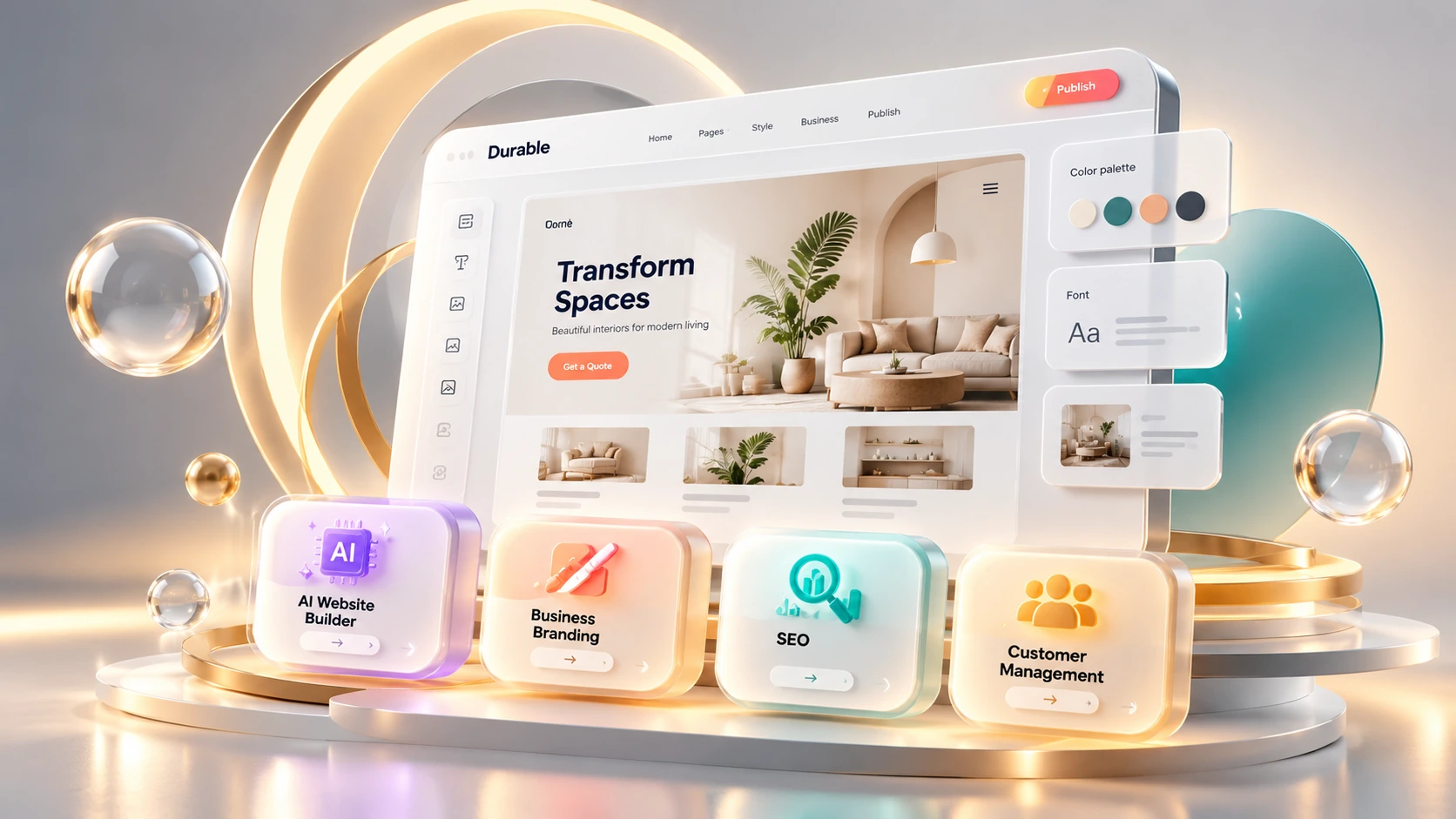
Durable is an AI website builder. But the website is not the only thing it builds. Along with your site, it sets up a CRM (a system for tracking customer contacts and leads), and an AI assistant that keeps helping after launch day. Paid plans add native booking, and connecting a Stripe account adds payments and invoicing. This review covers what Durable actually does, what it costs, what you can take with you if you leave, and who it fits.
Pricing and features can change. Check Durable's current pricing page before you subscribe.
Most website builders hand you a blank page and ask you to fill it in. Durable works differently. You type in your business name and category, and Durable builds a full site: copy, layout, and structure, in about 30 seconds, according to Durable's own homepage. Then it adds a CRM and an AI assistant. Native booking comes with a paid plan, and payments and invoicing work once you connect a Stripe account.
The core difference from a tool like Dorik is how much control you keep after the AI generates a first version. Dorik also offers AI site generation, but puts more emphasis on editing the result yourself in a visual builder. With Durable, the system builds the site and your job is to review the draft and decide what to keep, change, or publish. Neither approach is better on its own. They fit different people at different stages.
Your first session with Durable feels less like designing and more like reviewing something that's already done.
If you've ever stared at a blank template wondering where to start, this can feel like a relief: there's already something to react to. If you have a specific, detailed vision for your site, the same thing can feel limiting, since you're adjusting a draft instead of building from scratch.
Two videos from Durable's own official YouTube channel accompany this review: a full-business-website generation demo, and a walkthrough of how the AI helps your site get found online.
Published 17 Mar 2026 - Durable's own demo of generating a complete business website from a business description.
Published 3 Apr 2026 - a walkthrough of Durable's AI search visibility and discovery features.
Durable bundles several tools into one subscription. Here's what each one actually does, based on Durable's own product pages and help documentation.
Enter your business name and category, and Durable builds a complete website.
Durable writes a first draft of your site's text, matched to your industry, and can generate a logo, color palette, and basic brand kit from your business description.
Edit the search title, description, and social-share image per page. Structured data (JSON-LD) is generated automatically and isn't directly editable in the dashboard. Launch and Grow plans allow sitewide or per-page custom code, though Durable doesn't confirm it covers schema specifically.
A Visibility Score (1–100) based on a sample of queries across ChatGPT, Gemini, Grok, and Perplexity (Claude gets a separate FAQ mention). A sampled score, not a complete count of every AI answer.
Send customers a Google review link, and see nearby competitors pulled automatically from your Google Business Profile category and location, refreshable anytime.
Researches a topic, writes a full post, checks its internal links point to real pages, and adds SEO metadata. Durable says scheduled posts save as drafts for review, though a separate help article mentions an unexplained "autopublish" toggle.
Customers book directly on your site, synced with Google Calendar, with each booking creating a CRM lead automatically. Included starting on the Launch plan.
A chat assistant that can generate a competitive intelligence report, manage upcoming bookings, create and schedule daily social posts, and update site text or images on request, with a draft preview before you publish.
Manage contacts and leads from the same dashboard your site lives in. Leads from forms and bookings land here automatically.
Invoices include a payment link that's automatically marked paid. Durable's activation guide doesn't name a plan requirement for payments specifically.
Product pages link to Stripe payment links. Durable's own guide doesn't describe a shopping cart or inventory manager, so confirm those are actually supported before running a serious online store.
If you cancel, or if pricing changes and you want to move, here's what happens to what you've built.
| What | Can you take it with you? | Details |
|---|---|---|
| The domain | Yes, with conditions | Requires the domain to have been registered through Durable (not connected from elsewhere), your account active for at least 3 consecutive months, and your account in good standing with no outstanding payments. Durable's team then guides you through supplying the authorization (EPP) code. |
| CRM contacts | Yes | Export as a CSV file from your dashboard. The exact fields and any export limits aren't documented, so confirm the current scope in your account. |
| The website itself | No | Durable's design, layout, and page structure aren't a file you can download and rebuild elsewhere. Moving platforms means rebuilding from scratch. |
| Invoice & payment history | Partial | Payments go through Stripe, so records also live there, not only inside Durable. Check which records you can export and whether your accounting software can import them. |
You can take your domain (once it qualifies for transfer) and your exported contacts with you. The site's design is not something you can take with you; expect to rebuild it if you leave. If deep SEO control or the ability to export and move your website elsewhere matters to you in the next year or two, that's a reason to consider Dorik or WordPress from the start, though confirm what your specific plan and site type can actually export before counting on it.
The AI-generated site is a strong starting point, not a finished one. Here's a short checklist before you hit publish.
Plumbers, consultants, cleaners, coaches: people who need a website, lead capture, and customer tools without piecing together several separate services.
People with a business idea who want to review a finished draft rather than learn web design or CRM setup from scratch.
Businesses that need to look professional, capture inquiries, and manage client relationships, without needing a complex content strategy.
Durable may not be the best fit for every business. Consider another platform if organic search is central to your growth and you need more control over structured data, internal links, or a large content site, or if you need precise design control. Check its integration options too if your business depends on specialized software it doesn't document.
Both are AI website builders, and people researching one often end up comparing them. Dorik's own pricing page advertises AI site generation too, so the real difference isn't whether AI is involved, it's how much control you keep afterward and what else comes bundled with the website.
| Aspect | Dorik | Durable |
|---|---|---|
| How the site gets made | AI can generate a starting layout, which you then build out further in a visual editor | AI generates the full site; you approve and adjust |
| Design control | Higher: you choose layout and sections | Lower to moderate: AI makes structural decisions |
| Per-page SEO metadata | Editable | Editable |
| Schema / structured data | Manual control on higher plans | Generated automatically and not directly editable in the dashboard; sitewide or per-page custom code is possible on Launch and Grow, but Durable doesn't document a dedicated schema editor |
| Bundled business tools | No equivalent bundled CRM, invoicing, and booking suite identified in this comparison | CRM, payments, native booking, AI assistant |
| Best for | Clean sites, portfolios, blogs | Service businesses that need to be operational fast |
If you want more hands-on control over design, schema, and internal linking after that starting point, Dorik fits better. If you want a working business system (CRM, payments, booking) bundled in from day one, Durable fits better.
Checked directly on Durable's pricing page, October 10, 2026. One thing worth flagging up front: the pricing page lists two different monthly prices for the same plans (one price on the plan card, a lower price in a comparison table further down the same page), without labeling which billing basis each figure reflects. The page's own yearly-billing toggle ("Save 15%") may explain the gap, but it isn't tied clearly to either number. The numbers below use the lower, comparison-table price, cross-checked against Durable's own help documentation, which separately confirms the Launch plan at $22 a month. Confirm the current price and billing period directly with Durable before subscribing.
A private preview on a *.durable.site subdomain, not a public site.
Plan card shows $25/mo.
Plan card shows $49/mo.
Durable's own pricing page says yearly billing saves 15%, but doesn't show the resulting annual price directly.
Durable's G2 listing shows 4.5 out of 5, from only 2 reviews as of this check. That's too small a sample to responsibly summarize as recurring pros or cons. Treat this rating as an early signal, not a reliable measure of typical user experience.
This TechScribe review draws on Durable's own product pages and help documentation, along with G2 for user sentiment. We checked Durable's published features and prices on October 10, 2026. This page contains affiliate links; if you sign up through one, TechScribe may earn a commission at no extra cost to you. That relationship has no bearing on the findings above.
Service businesses, like plumbers, consultants, cleaners, and coaches, who need a working website, lead capture, and basic client management operational quickly, without making design or technical decisions themselves.
Yes. Durable combines a built-in CRM with Stripe-connected payments and invoicing, so invoices go out with a payment link that's automatically marked paid once the customer pays. The CRM is available on the Free plan (for up to 10 customers); Durable's own activation guide doesn't name a plan requirement for Stripe payments specifically, but native booking is confirmed to require a paid plan.
Design control and SEO depth. The AI makes most layout and copy decisions, which can make sites feel similar across businesses in the same category. You can edit each page's SEO title and description, but the structured data behind it is automatic and not directly editable. If organic search growth or a highly specific visual identity matters to you, Dorik or WordPress offer more control.
Yes, provided it was registered through Durable itself rather than connected from another registrar. Moving it to another host takes a support request for an authorization code, and requires your account to have been active for at least 3 consecutive months and in good standing with no outstanding payments. The website's design is tied to the Durable platform and isn't portable the way a WordPress theme is, but your CRM contacts can be exported as a CSV file to take with you.
Both now advertise AI-assisted site generation as a starting point. The real difference is what happens after that: Dorik hands you more manual control over layout, schema, and editing in a visual builder, while Durable keeps more of those decisions automated and bundles in a CRM, payments, and native booking with less setup.
Yes, but it's a private preview, not a publicly live website. Durable's own pricing page lists "Website preview" as the Free plan's core feature and shows "Private preview" where paid plans show a custom domain. The Free plan does include basic SEO and a CRM for up to 10 customers, with limited AI credits, but getting a real, customer-facing site on your own domain requires a paid plan, starting with Launch.
Durable is built around one trade: automation over control. You get a working website, CRM, payments, and booking fast, with fewer setup decisions than assembling those tools separately would take, though connecting Stripe and configuring booking still take a few minutes of your own. What you give up is deep design control, a dedicated schema editor, and a sitewide internal-link planning tool, on top of a real customization pass on your end.
For a service business that wants to get a website online quickly and manage leads, payments, and bookings in one place, that trade makes sense. For a business planning to compete on content or organic search, the structured-data and internal-linking ceiling may become a limitation as your content strategy grows. Spend a real session customizing the first draft before you publish it.
Enter your business name and category and see the AI-generated draft, then decide for yourself whether the trade-off between automation and control fits how you work.
Independent review. Prices and features may change; always check the official Durable site for the latest information.
 Dorik
Dorik Durable
 Mixo
Mixo UseArticle
 Emergent
 Lovable
 Runable
 Carrd
Carrd